All articles

Articles tagged #Total.js UI Library

12 articles

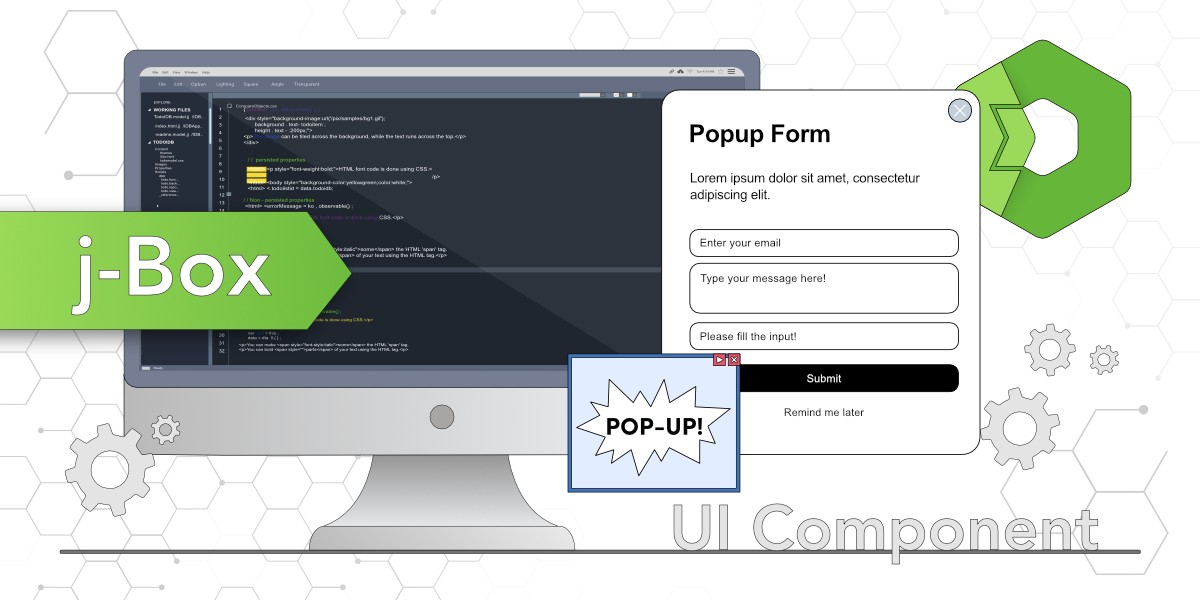
j-Box - Total.js UI component

The j-Box component from the Total.js jComponent UI library is a versatile tool for creating customizable pop-up windows, such as forms or galleries. This blog demonstrates its setup, attributes, and integration with other components, using examples to show how to build pop-up forms with menus, content, and buttons.
j-Importer - Total.js

The blog introduces j-Importer, a component from the jComponent library by Total.js, which allows importing HTML templates, scripts, or styles dynamically based on conditions. It explains how to set up and use j-Importer to import a pop-up form triggered by a button.

j-DataGrid - Total.js UI component part 2

This blog focuses on the advanced features of the j-DataGrid component from the jComponent library, such as handling row click events, using checkboxes for selecting multiple rows, and adding control buttons for individual rows. It includes practical examples and usage demonstrations.

j-Directory - jComponent

j-Directory will present options from your data source to the user and you can easily handle selected option or multiple options depending on your requirements. It can use custom templates, dark mote, supports integration with other components and supports LAZY for better performance.

Total.js UI Builder: #2 designing your first interface

In this post, we’re going to guide you step-by-step through the process of designing a simple interface, so you can experience firsthand how intuitive and fun it is to work with Total.js UI Builder.

Beginner Guide to Total.js UI #3: Data Binding (Part 1)

In this post, we’ll break down what data binding is, introduce you to the <ui-bind> HTML element, and explore how it serves as the bridge between your data and the UI. We’ll also cover the essential attributes and binding commands you’ll need to master this concept.

Total.js UI: Coding the Tic-Tac-Toe Game

Learn how to master Total.js UI by creating engaging projects such as a Tic-Tac-Toe game. This tutorial emphasizes the practical use of `paths` and `<ui-bind>` to dynamically handle game state and user interactions, offering a hands-on approach to building dynamic web applications.

Beginner Guide to Total.js UI: #01 Installation and Setup

In this initial post, we will focus on the prerequisites and the installation process of Total.js UI. By the end of this guide, you will have a working environment ready to explore and develop with Total.js UI.