Tutorials
How to write better Total.js Applications using AI?
Learn how to make AI coding agents write better, more native Total.js applications!
137 articlesPage 1 of 10
Learn how to make AI coding agents write better, more native Total.js applications!
Run Total.js without NPM - using pure Node.js, dynamic loading and zero local framework dependencies.
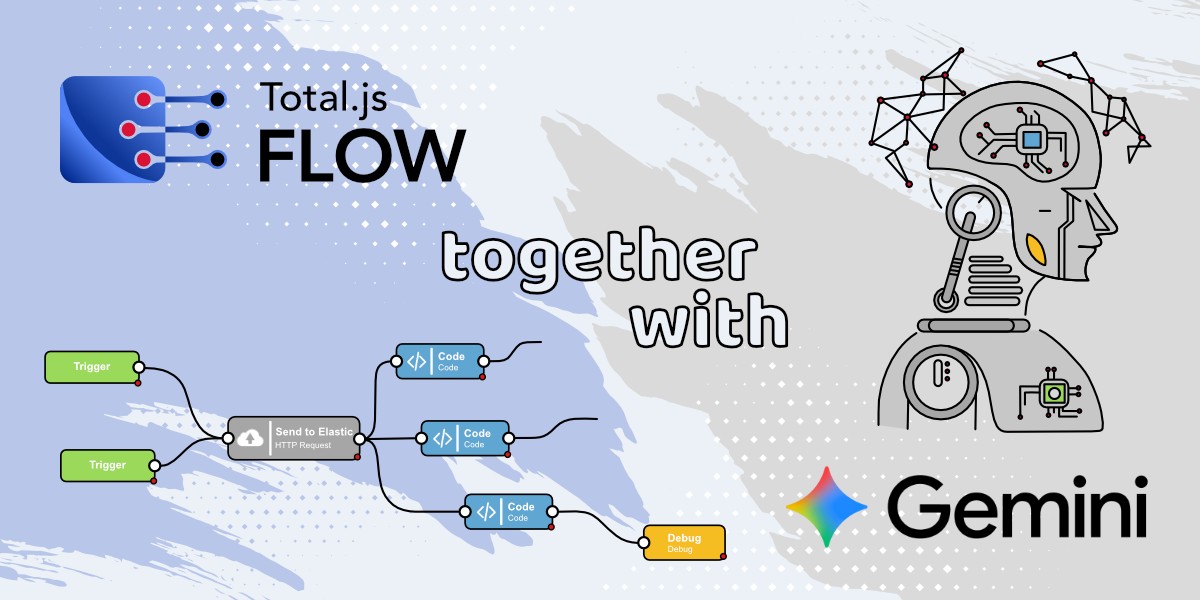
This blog shows how to create a custom Google Gemini AI component for Total.js Flow, enabling you to integrate AI-powered text generation directly into your workflows. It covers everything from setting up the component to configuring its API key, models, and output for real-time AI responses.
The final blog in the IoT Platform series demonstrates how to fully utilize the platform by working with drivers, devices, sensors, data ingestion, visualizations, and integrations. It also explores advanced features such as dataviews, zones, maps, reports, alerts, simulations, and panels to showcase the platform’s complete capabilities.
This blog explains how to install and configure OpenPlatform as the final step in setting up the Total.js IoT platform, allowing you to integrate IoT Platform, OpenReports, and Flow into one unified system. With OpenPlatform, you can manage users, permissions, and apps seamlessly, making your IoT data handling more efficient and secure.
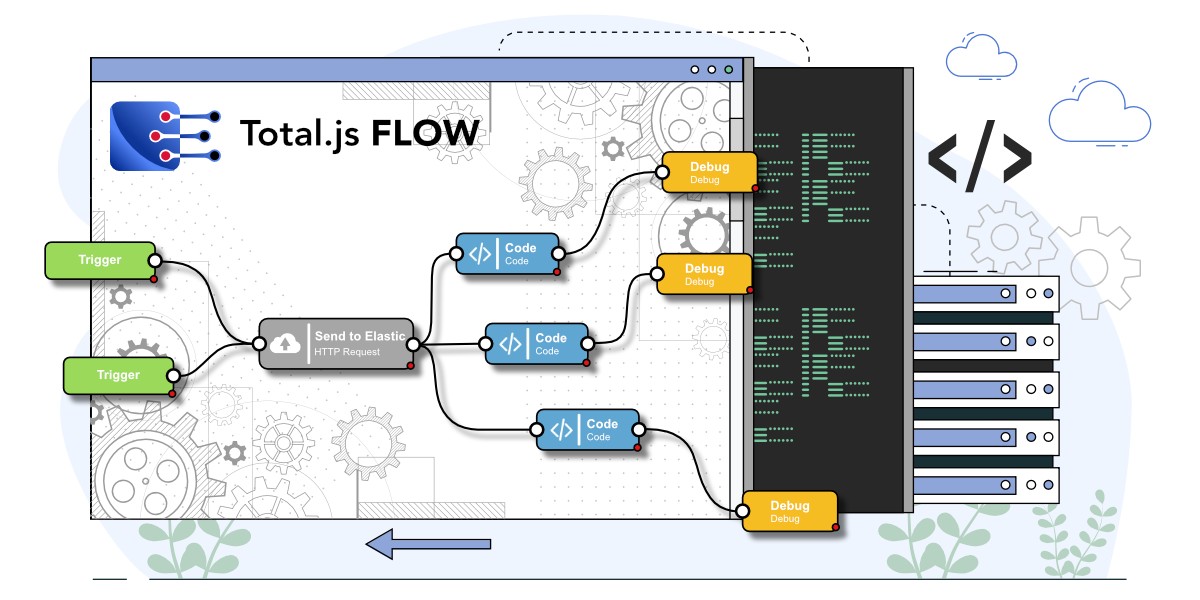
This blog shows you how to install and set up the Flow application as part of the Total.js IoT platform, enabling real-time data processing, alerts, and automation through a low-code visual interface. By the end, you’ll have IoT platform, Stream, OpenReports, and Flow all running together with a basic architecture ready for further use.
This blog continues the IoT platform installation series by guiding you through installing and setting up OpenReports, a flexible reporting tool from Total.js. You’ll learn how to connect it to your database, create views, and generate reports, enabling you to analyze and manage your IoT data more effectively.
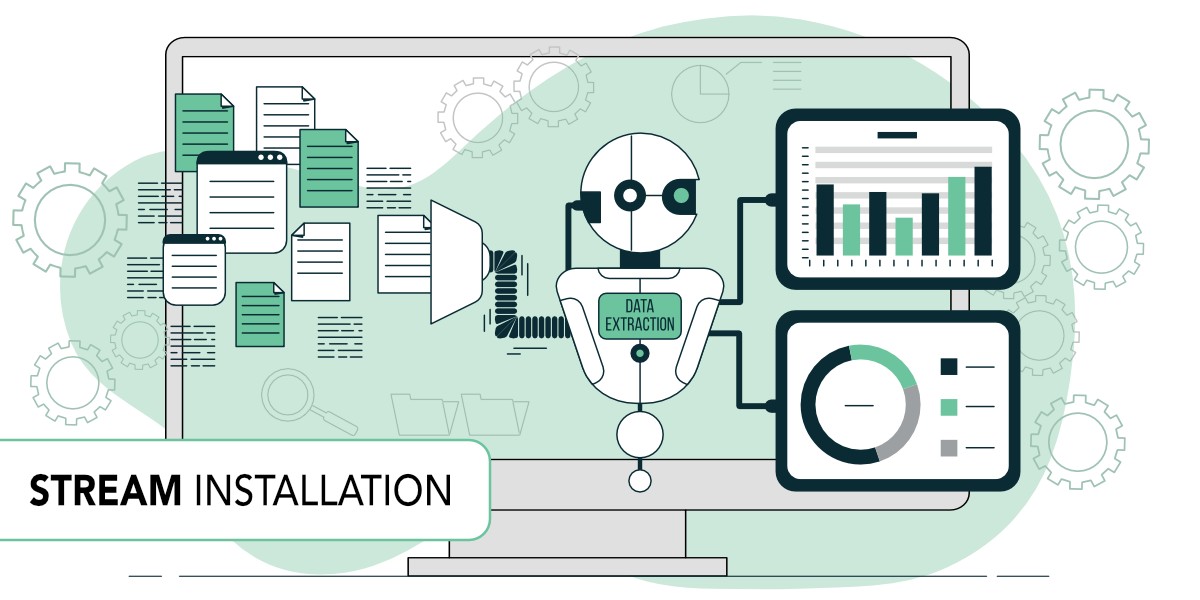
This blog continues the IoT platform setup by explaining how to install and run the Stream application, which collects incoming data from sensors. You’ll learn how to create a driver and device, secure the data with a token, and send real-time values to your platform using a simple API request.
This blog shows how to install the Total.js IoT platform step by step, including setting up the database, downloading the code, and running the application. It’s the first part of a series that explains how to build the full platform by adding components like Stream, OpenReports, Flow, and OpenPlatform.
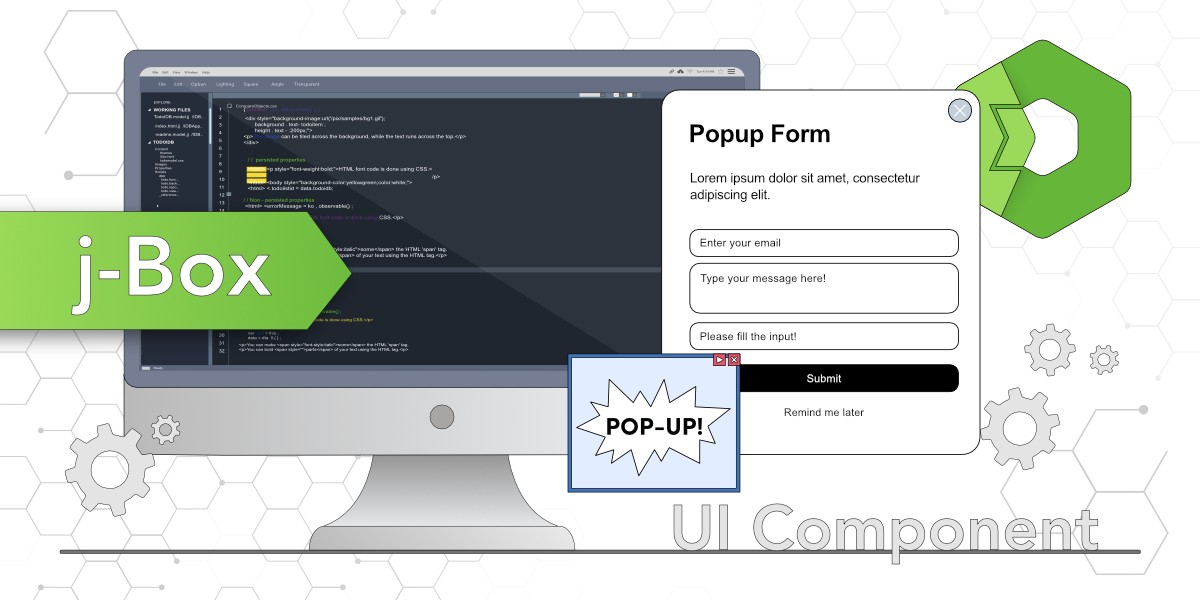
The j-Box component from the Total.js jComponent UI library is a versatile tool for creating customizable pop-up windows, such as forms or galleries. This blog demonstrates its setup, attributes, and integration with other components, using examples to show how to build pop-up forms with menus, content, and buttons.
The blog introduces j-Importer, a component from the jComponent library by Total.js, which allows importing HTML templates, scripts, or styles dynamically based on conditions. It explains how to set up and use j-Importer to import a pop-up form triggered by a button.
This blog focuses on the advanced features of the j-DataGrid component from the jComponent library, such as handling row click events, using checkboxes for selecting multiple rows, and adding control buttons for individual rows. It includes practical examples and usage demonstrations.
j-DataGrid is a great and efficient way to handle large datasets on your website. You can seamlessly render 30,000 rows. Supports sorting, filtering, resizing, dark mode, and responsiveness. Here, we will go through different column types (string, number, phone, email, boolean, date) and provide example to get you started.
j-Directory will present options from your data source to the user and you can easily handle selected option or multiple options depending on your requirements. It can use custom templates, dark mote, supports integration with other components and supports LAZY for better performance.