Tutorials
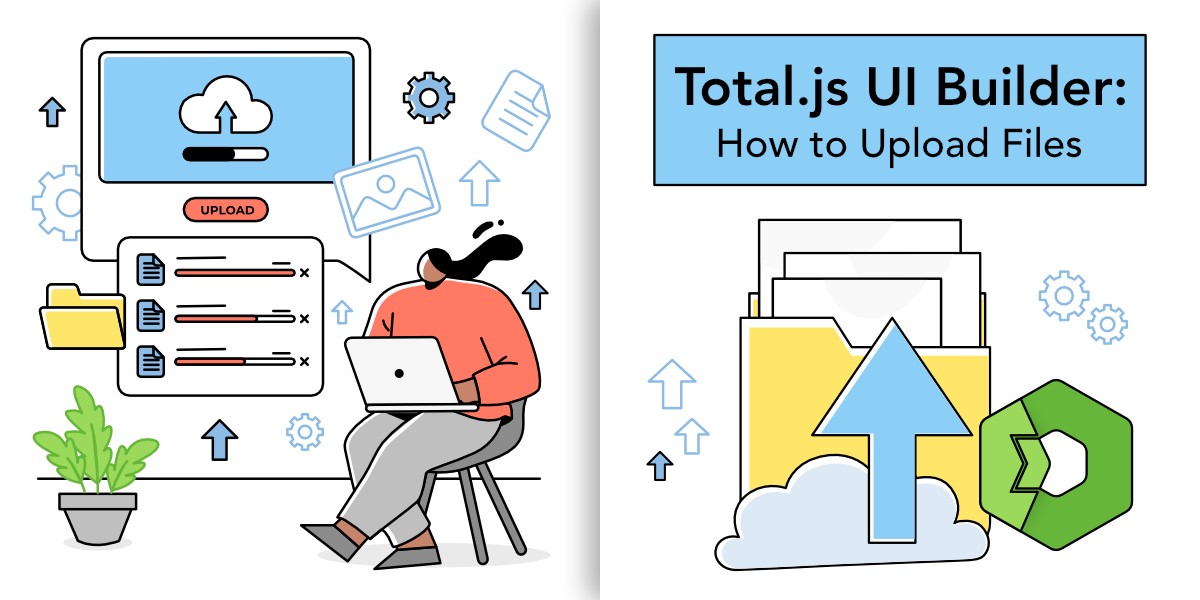
Total.js UI Builder: How to upload files?
In this blog post we will discover how to upload files using totaljs UI builder.
137 articlesPage 2 of 10
In this blog post we will discover how to upload files using totaljs UI builder.
In this article, we’ll provide a comprehensive performance comparison between Total.js and Koa, two lightweight frameworks designed for performance and simplicity.
In this blogpost, we’ll guide you step-by-step through building a Create Account Form, complete with input fields, a dropdown menu, and JSON output functionality.
Schemas and actions are powerful tools in Total.js V5, giving developers full control over how data flows through their application. Schemas manage incoming data, ensuring validation and proper structuring, while actions are responsible for executing the logic tied to this data. Combined, they form a crucial part of any Total.js application.
In this blog, we’ll cover how to perform basic data operations using the Total.js QueryBuilder. This first part will introduce fundamental concepts, demonstrate core actions like inserting and retrieving data, and showcase practical examples to get you started.
This analysis showcases the performance of these frameworks in side-by-side benchmarks, ultimately revealing the strengths and weaknesses of each in terms of speed. With Total.js consistently showing promise, this comparison will shed light on why it may be the ideal choice for projects where performance is a top priority.
This article delves into a comprehensive performance comparison between Total.js (versions 4 and 5) and NestJS, two popular frameworks with differing philosophies and use cases.
In this post, we’re going to guide you step-by-step through the process of designing a simple interface, so you can experience firsthand how intuitive and fun it is to work with Total.js UI Builder.
Middlewares are useful features in Web development that helps manage what happens when a user makes a request to your server. In this blog, we’ll focus on how to create simple middleware for handling requests in standard routing. We'll also explore practical examples so you can test it yourself.
This blog covers the essentials of client-side routing in Total.js UI, explaining how to dynamically load content without reloading the entire page.
In this post, we will focus on implementing data binding in a real-world scenario using the <ui-bind> element and some of the key attributes and commands we discussed previously.
Learn about an intuitive GUI designer that helps you create UIs without needing complex frontend skills.
In this post, we’ll dive into how file routing works in Total.js v5, look at examples, and briefly highlight the key differences from Total.js v4.
In this post, we will explore how to set up routes for handling internal errors using HTTP status codes, along with some best practices.
Dynamic WS routing works similarly to dynamic HTTP routing, where certain parts of the URL are treated as variables.